AI Image to Video Generator
Bring your images to life with AI-powered animation. Upload any photo and watch it transform into a stunning video with realistic motion and effects.
How Does Image-to-Video AI Work?
Upload Any Image
Start your image to video journey with any photo — portraits, landscapes, product shots, or artwork. Our AI analyzes depth, subjects, and context to understand what can move naturally.
AI-Powered Animation
The AI generates realistic motion: people blink and smile, hair flows in the wind, water ripples, clouds drift. Add a prompt to guide specific movements in your animation.
Download & Share
Get your image to video animation in seconds. Export in HD or 4K quality, optimized for social media, marketing, or personal projects.
Why Choose Our AI Image to Video Generator?
Transform any image into captivating video content with cutting-edge AI technology
Realistic Motion Generation
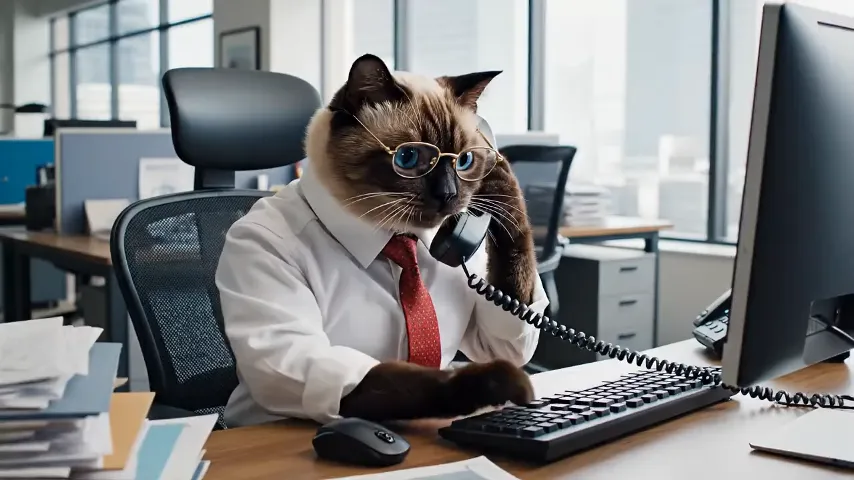
Our AI understands physics and natural movement. Hair flows realistically, water ripples naturally, and people move with lifelike expressions. The result is smooth, believable animation that looks professionally produced.
Works With Any Photo
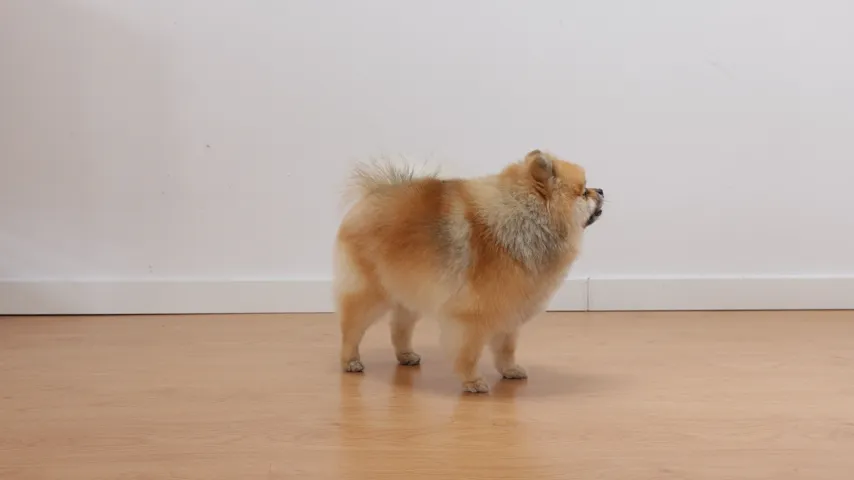
Portraits, landscapes, product photos, artwork, old family pictures — our AI handles them all. Upload JPG, PNG, or WebP files and watch them come to life with motion that matches the content.
Prompt-Guided Animation
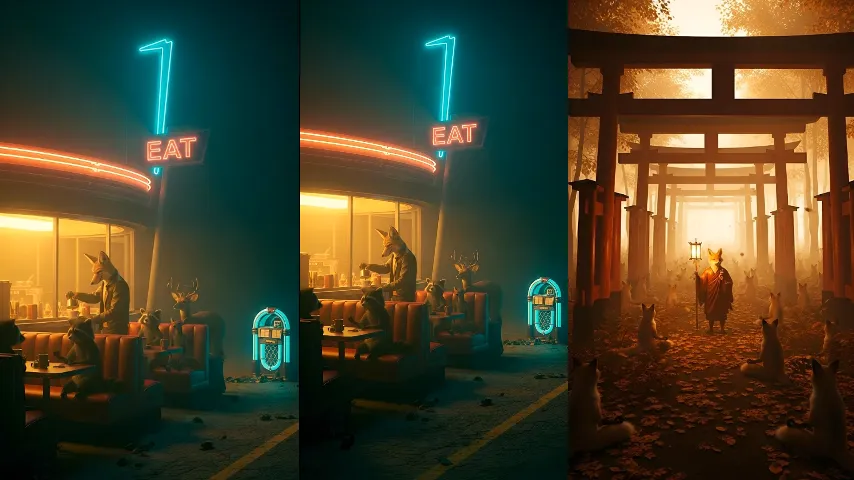
Control exactly how your photo moves. Add text prompts like "gentle breeze blowing hair" or "camera slowly zooming in" to guide the animation. The AI follows your creative direction while keeping motion natural.
High Quality Output
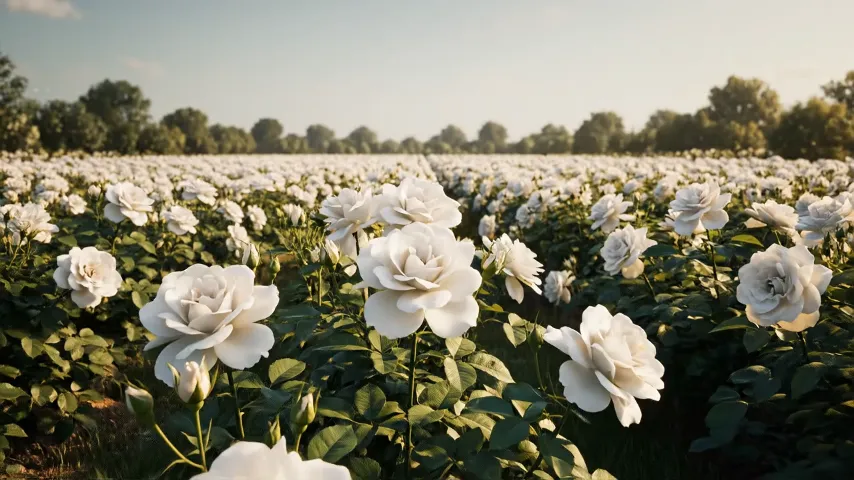
Export videos up to 4K resolution with smooth frame rates. Your animated content maintains the original image quality while adding fluid motion — perfect for professional marketing, social media, or personal projects.
How to Create Image to Video in 3 Simple Steps
No editing skills needed. Just upload, customize, and download.
Upload Your Image
Select any photo — portraits, landscapes, product shots, or artwork. Our AI accepts JPG, PNG, and WebP formats up to 4K resolution.
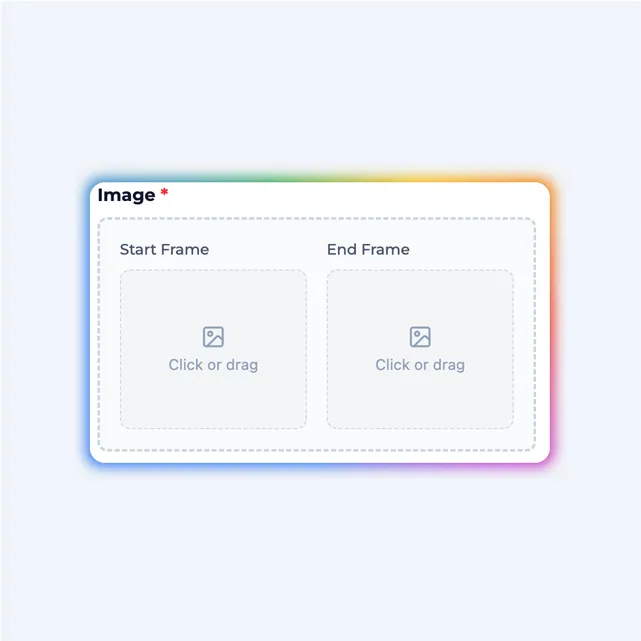
Add Motion Prompt (Optional)
Describe how you want your photo to animate — "gentle wind blowing hair", "slow zoom in", or "person smiling". Leave blank for automatic animation.
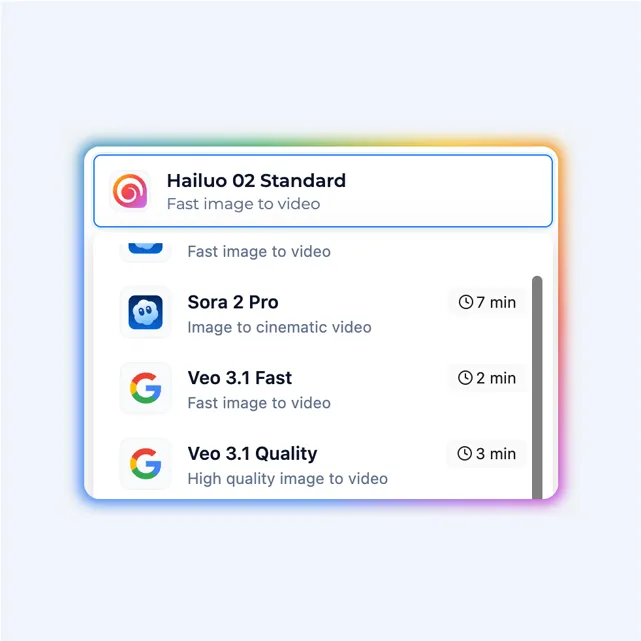
Generate & Download
Click generate and watch your photo come to life in seconds. Preview the animation, adjust if needed, and download in HD or 4K quality.
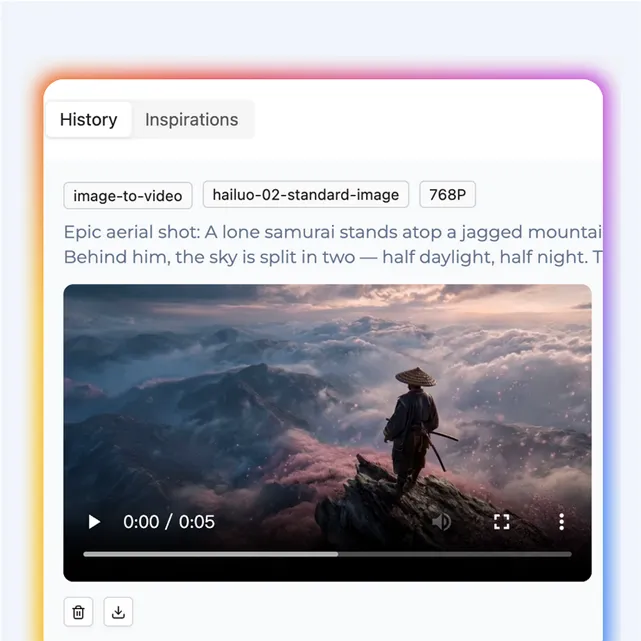
Who Is Image to Video For?
From photographers to marketers — anyone can use image to video to bring their photos to life
Social Media Creators
Turn static photos into eye-catching animated content for Instagram, TikTok, and Facebook. Image to video animations get more engagement and stand out in crowded feeds.
E-commerce & Product Teams
Animate product photos to showcase features from multiple angles. Create dynamic displays that capture attention and boost conversion rates.
Photographers & Artists
Add a new dimension to your portfolio with image to video. Transform your best shots into living art pieces, cinemagraphs, or animated prints.
Memory Keepers
Bring old family photos to life. Watch grandparents smile, children laugh, and precious moments move again. Perfect for gifts and preserving memories.
Image to Video FAQs
What types of images work best for image to video?
High-quality photos with clear subjects work best for image to video conversion. The AI can animate portraits, landscapes, product shots, artwork, and more. Images with good lighting, sharp focus, and at least 1024x1024 resolution produce the most realistic results.
How does the image to video AI animate my photo?
Our AI uses advanced deep learning models to analyze your image and understand depth, subjects, and context. It identifies elements like faces, hair, water, clouds, and fabric, then generates realistic motion for each. The result is a smooth, natural-looking video transformation.
Can I control how the image to video animation moves?
Yes! You have full creative control over the animation. Add a text prompt to guide the motion — describe what you want, like "gentle breeze blowing hair" or "slow zoom into the subject". The AI follows your direction while keeping the animation natural and realistic.
What image formats are supported?
We support all common formats including JPG, JPEG, PNG, and WebP. For best image to video results, use images at least 1024x1024 pixels — larger images produce higher quality videos. The maximum file size is 20MB.
How long are the generated video clips?
Duration ranges from 3 to 10 seconds depending on the AI model you choose and your subscription plan. Free users can create 3-5 second clips, while Pro users get up to 10 seconds per generation. This is ideal for social media and creative content.
Can I use image to video to animate old photos?
Absolutely! Our AI excels at bringing old family photos, historical images, and vintage pictures to life. It works especially well with portraits, adding natural expressions like blinking, subtle smiles, and head movements.
What resolution will my image to video output be?
Output resolution matches your input image quality, up to 1080p (Full HD) for standard plans and 4K for Pro users. The AI preserves the original quality while adding smooth, fluid motion at 24-30 frames per second.
Can I use the generated content commercially?
Yes! All paid plans include full commercial rights to your generated videos. Use your animated content for advertisements, social media marketing, client projects, or any business purpose. You own the output and can monetize it freely.
How long does image to video generation take?
Most animations complete in 30 seconds to 2 minutes, depending on the complexity of the image and the AI model selected. Simple portraits animate fastest, while complex scenes may take slightly longer.
Are there watermarks on the video exports?
Free exports include a small watermark in the corner. Pro and Enterprise plans give you completely clean, watermark-free outputs ready for professional use and client delivery.
Ready to Animate Your Images?
Transform your photos into captivating videos with our AI image to video generator. Start your creative journey for free today.