AI Text to Video Generator
Turn your ideas into stunning videos in minutes. Simply describe what you want, choose a style, and let our AI text to video technology bring your vision to life.
How Does Text-to-Video AI Work?
From Words to Video
Simply describe what you want to see — characters, scenes, actions, or moods. Our text to video AI understands natural language and generates matching video content with realistic motion.
Multiple Visual Styles
Choose from realistic, cinematic, anime, or artistic styles for your text to video creation. Whether you need professional business content or creative social media clips, there's a style for every project.
Fast & Easy
Get your text to video in minutes, not hours. No editing skills needed — just type your idea, pick a style, and download. GPU-accelerated processing ensures quick turnaround.
Why Choose Our AI Generator?
Create professional videos from simple text descriptions with cutting-edge AI technology
Natural Language Understanding
Our AI truly understands what you write. Describe scenes, characters, actions, and emotions in plain English — the system interprets context, mood, and visual style to generate exactly what you envision. No technical prompts needed, just write naturally.
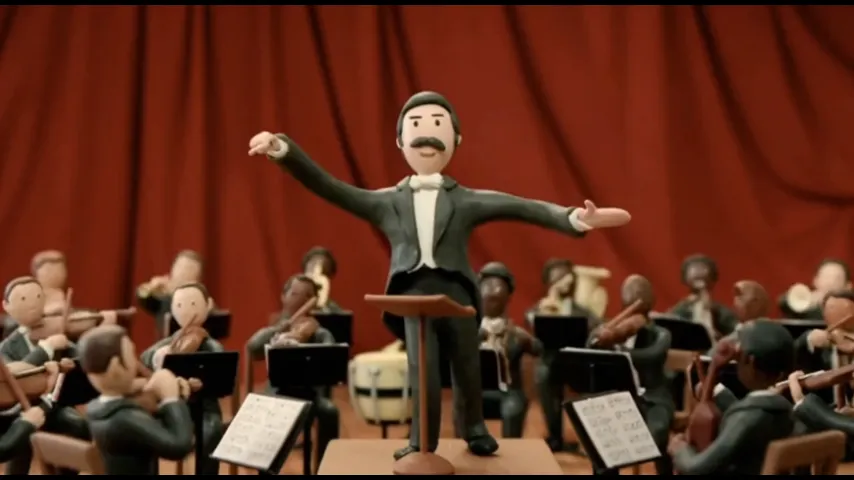
Multiple AI Models to Choose From
Access leading AI models including Kling, Luma, and Sora — all in one platform. Each model has unique strengths: some excel at realistic motion, others at artistic styles or fast processing. Pick the one that best fits your project.
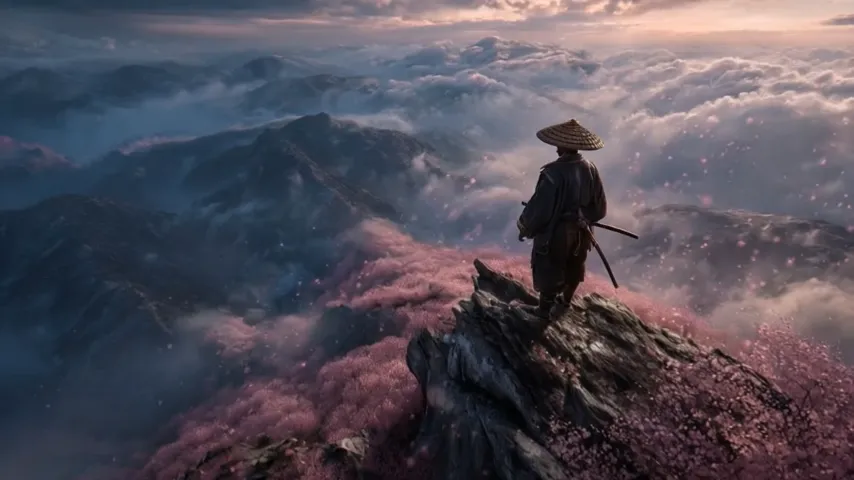
Consistent Characters & Scenes
Generate videos with consistent character appearances across multiple scenes. Our AI maintains visual identity throughout — same face, same clothing, same style. Perfect for storytelling, tutorials, and branded content where continuity matters.
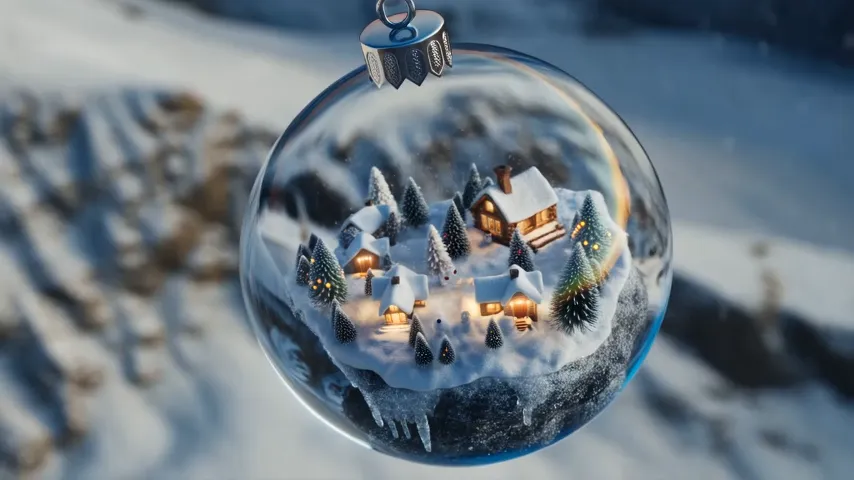
Ready for Any Platform
Export in HD or 4K resolution, optimized for YouTube, TikTok, Instagram, or professional use. Choose the aspect ratio that fits your platform — 16:9, 9:16, or square. Commercial rights included with paid plans.
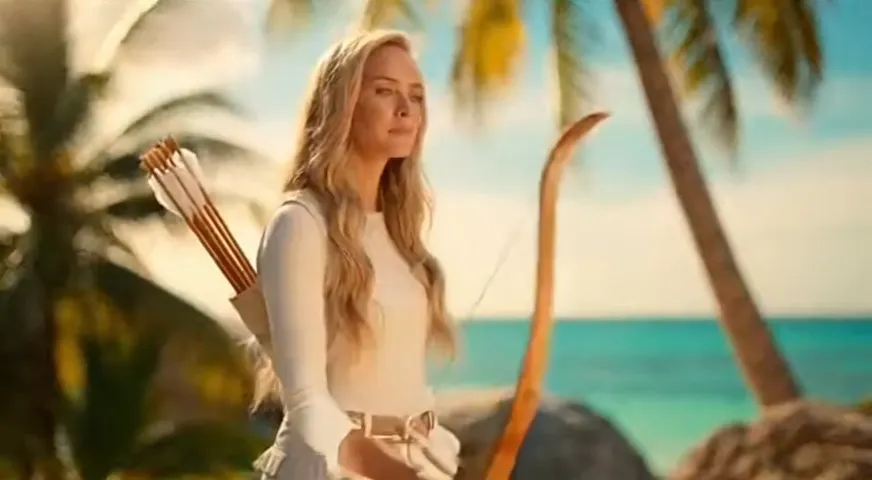
How to Create Videos from Text in 3 Simple Steps
No editing skills needed. Just describe, customize, and download.
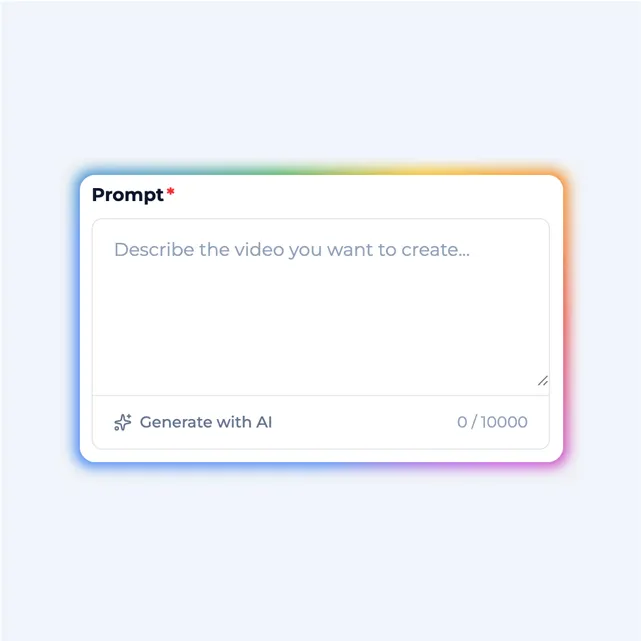
Write Your Prompt
Describe the video you want to create. Be specific about scenes, characters, actions, and mood. Our AI understands natural language — just write like you're telling a story.
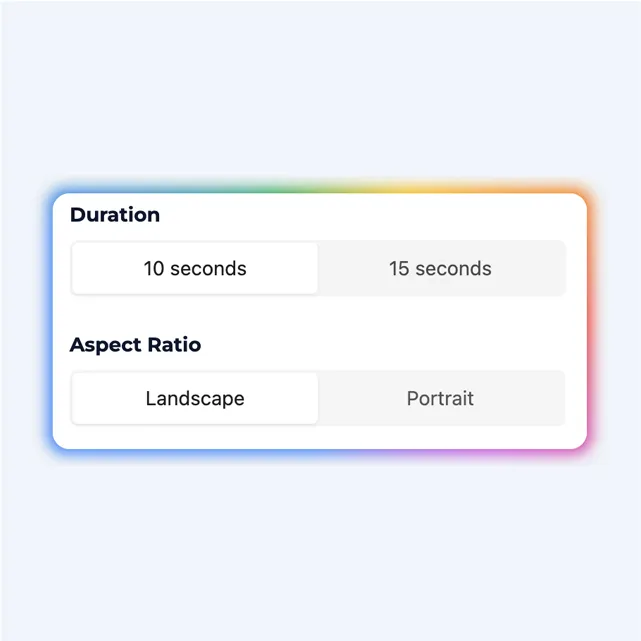
Choose Style & Settings
Pick your AI model, select video duration and resolution, and choose a visual style — realistic, cinematic, anime, or artistic. Customize until it matches your vision.
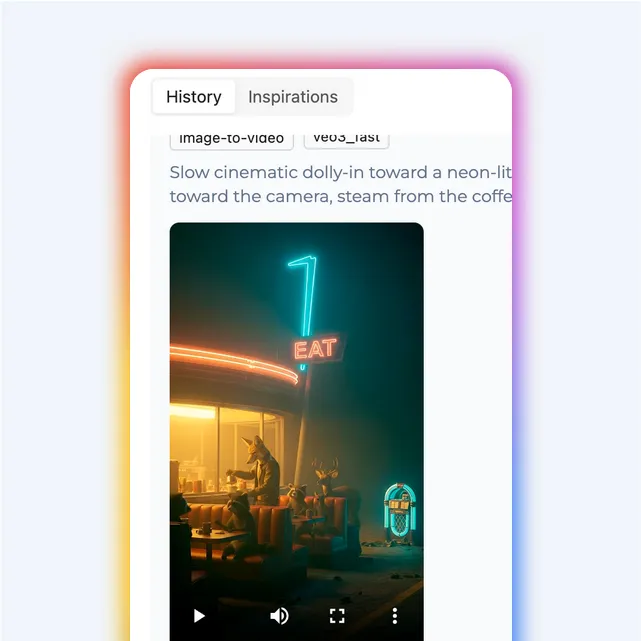
Generate & Download
Click generate and watch your video come to life in minutes. Preview the result, make adjustments if needed, and download in HD or 4K quality.
Who Is This Tool For?
From solo creators to enterprise teams — anyone can create professional content
Content Creators
Create YouTube videos, TikTok clips, and Instagram Reels instantly. Just write your script, pick a style, and publish. Perfect for creators who want to post more content without the production hassle.
Marketers & Agencies
Turn ad copy into video ads using AI in minutes. Create product demos, explainer videos, and social campaigns at scale. Launch campaigns faster and test more creative ideas.
Educators & Trainers
Transform lesson plans into engaging visual content. Make complex topics easy to understand. Great for online courses, corporate training, and educational channels.
Writers & Storytellers
Bring your stories to life cinematically. Turn short stories, book trailers, or creative concepts into videos. See your written words become moving images.
Text to Video FAQs
Do I need any video editing skills for text to video?
Not at all. Just type what you want to see in plain English — describe scenes, characters, actions, and mood. The AI handles all the technical work. No camera, no editing software, no learning curve.
How does the text to video AI understand my prompt?
Our AI uses deep learning models trained on millions of videos. When you enter a prompt, it interprets the context, subjects, and style, then generates video frames that match your description with realistic motion.
What can I write to create a text to video?
Almost anything — creative stories, product descriptions, marketing scripts, educational content, or simple scene descriptions. The AI handles both straightforward prompts and complex narratives with multiple characters.
How long can the text to video clips be?
Free users can create clips up to 10 seconds. Pro users get up to 60 seconds per generation, and Enterprise plans support videos up to 5 minutes. You can also combine multiple clips for longer content.
What visual styles are available for text to video?
We offer realistic, cinematic, anime, cartoon, artistic, and vintage styles — plus many more. You can specify the style in your prompt or choose from presets. Each AI model has unique visual characteristics.
Can I use text to video content commercially?
Yes! All paid plans include full commercial rights. Use your videos for ads, social media, YouTube, client projects, or any business purpose without additional licensing fees.
How long does text to video generation take?
A 10-second clip typically takes 2-3 minutes. Longer videos or complex scenes may take 5-15 minutes. We use GPU-accelerated cloud processing to keep things fast.
What resolution can I export?
Standard exports are in 1080p (Full HD). Pro users can export in 4K for maximum clarity and detail. All exports are optimized for social media platforms and professional use.
Can I edit the video after generation?
Yes — you can regenerate specific parts, adjust timing, or tweak your prompt and generate variations. We also provide basic editing tools to trim, combine, or add music.
Are there watermarks on text to video exports?
Free exports include a small watermark in the corner. Pro and Enterprise plans give you clean, watermark-free videos ready for professional use.
Ready to Transform Text to Video?
Create stunning videos from your text descriptions with our AI text to video generator. Start your text to video journey for free today.