Free AI Video Background Remover: Create Transparent Videos Instantly
Instantly remove video backgrounds and export with transparency. No green screen needed. Perfect for overlays, compositing, or placing your subject in any new scene.
What is AI Video Background Remover?
No Green Screen Required
Our AI video background remover works on any video without special equipment. Film anywhere and remove backgrounds automatically — the AI detects subjects and separates them from any background.
Pixel-Perfect Edge Detection
Advanced AI handles complex edges like hair, fur, and transparent objects. Get clean, professional results without manual masking or rotoscoping.
Real-Time Processing
GPU-accelerated background removal delivers results in minutes. Upload your content, let AI process each frame, and download your background-free output quickly.
Why Choose Our AI Video Background Remover?
Industry-leading video background removal technology for professional results without the hassle
Works on Any Video, Any Background
Unlike green screen solutions, our AI video background remover works on existing footage. Remove backgrounds from outdoor shots, office videos, or any location. No special lighting or setup required.
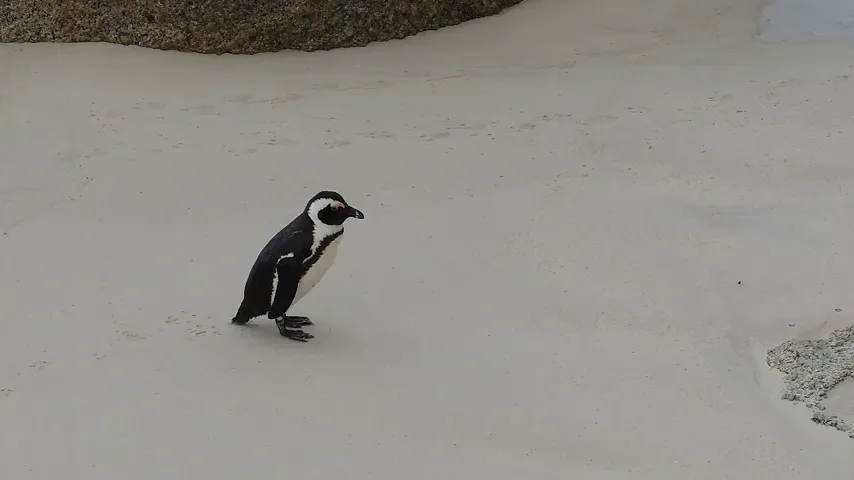
Preserve Fine Details Like Hair and Edges
Our tool uses advanced matting AI to preserve fine details. Hair strands, semi-transparent objects, and complex edges are handled with precision — no jagged edges or halos.

Export with Transparent Background
Remove video backgrounds automatically with AI. Extract subjects cleanly without green screen. Export with transparent background for professional compositing.
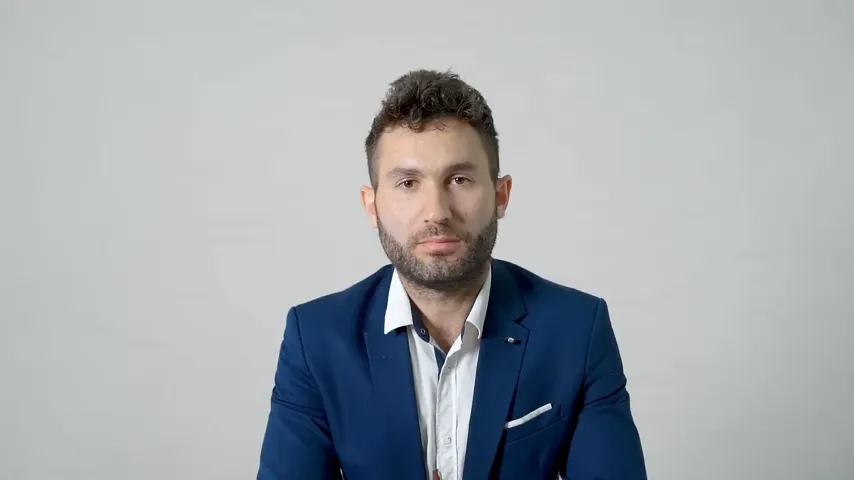
Fast AI Processing
GPU-accelerated background removal delivers results in seconds to minutes. Our AI processes each frame efficiently, handling videos quickly with consistent quality throughout.

How to Remove Video Background in 3 Simple Steps
Remove backgrounds from any video without green screen using AI video background remover
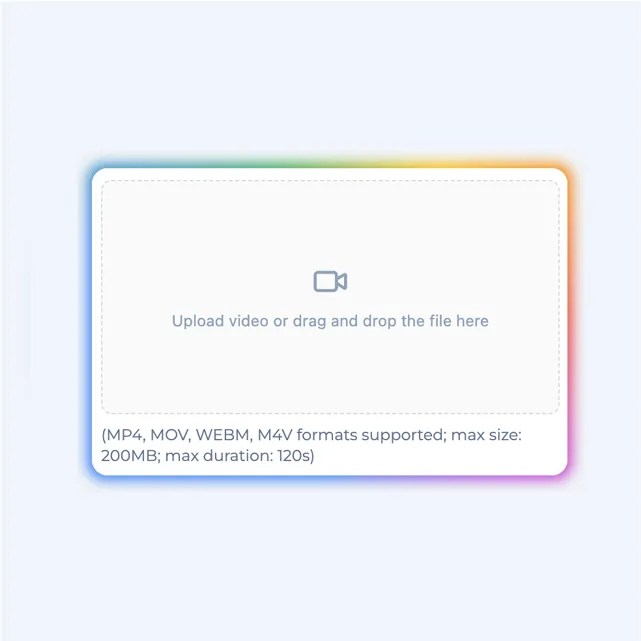
Upload Your Video
Upload any video to our tool. We support MP4, MOV, AVI, MKV, and WebM formats. No green screen needed.
AI Removes Background
Our AI automatically detects subjects and removes the background frame by frame. Watch as it processes your video in real-time.
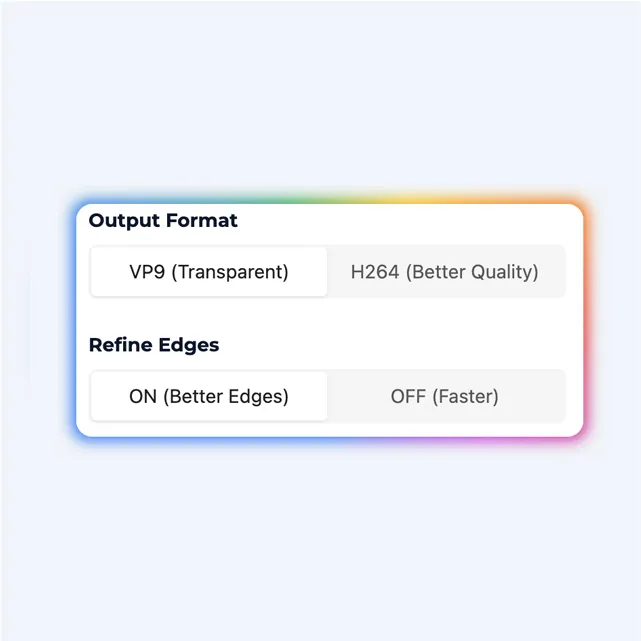
Download or Replace Background
Export with transparent background or add a custom background. Your result is ready for any platform.
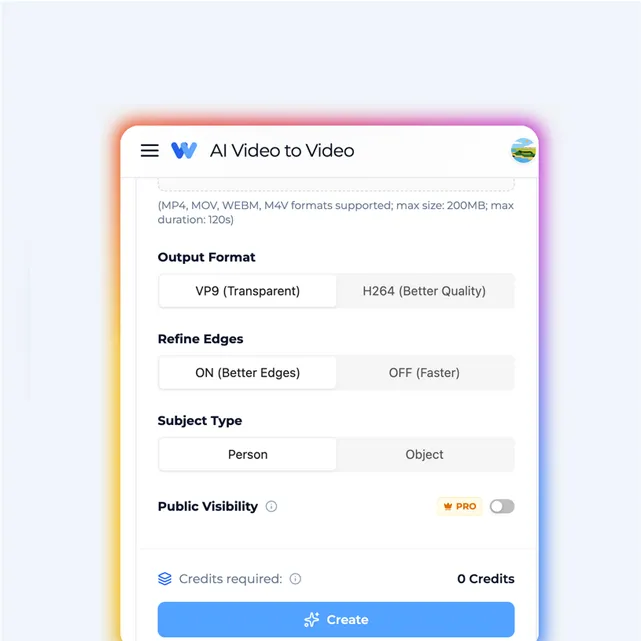
Video Background Remover Use Cases
AI video background remover helps creators, marketers, and businesses create professional content
Content Creators & YouTubers
Remove backgrounds without expensive green screen setups. Create professional-looking content from anywhere — your bedroom, office, or outdoors.
Virtual Meetings & Presentations
Use video background remover to create clean, professional video content for Zoom, Teams, or presentations. Replace messy backgrounds with branded visuals.
E-commerce & Product Videos
Remove backgrounds from product demo videos. Place products on clean white backgrounds or lifestyle scenes for professional e-commerce content.
Social Media & Marketing
Create eye-catching social media videos with custom backgrounds. Video background remover makes it easy to produce scroll-stopping content for TikTok, Instagram, and more.
Video Background Remover FAQs
What is AI video background remover?
AI video background remover uses advanced deep learning to automatically detect and remove backgrounds from videos. It works on any video without needing a green screen, separating subjects from their surroundings with precision.
Do I need a green screen for video background removal?
No! Our AI video background remover works on any video without a green screen. The AI automatically detects people and objects, removing the background regardless of color or complexity.
How long does video background removal take?
Processing time depends on video length and resolution. Typically, a 1-minute video takes 2-5 minutes to process. You'll receive a notification when your video background removal is complete.
Can I replace the removed background with a custom image or video?
Yes! After removing the video background, you can export with a transparent background or replace it with any custom image, video, or solid color of your choice.
What video formats does the background remover support?
Our video background remover supports all major formats including MP4, MOV, AVI, MKV, and WebM. Your processed video will be exported in high-quality MP4 or WebM with alpha channel for transparency.
Will video background removal affect video quality?
Our AI preserves the original quality while removing backgrounds. The subject remains sharp and detailed, with clean edges and no artifacts around hair or fine details.
Is there a video length limit for background removal?
Free users can process videos up to 30 seconds. Pro users can process videos up to 5 minutes, and Enterprise users have no length limits.
Can I use video background remover for commercial projects?
Yes, all videos processed with paid plans come with full commercial rights. Use your background-removed videos for marketing, advertising, YouTube, and any commercial purposes.
Does video background removal work with multiple people?
Yes! Our AI can detect and preserve multiple people in the frame while removing the background. It works great for group videos, interviews, and multi-person content.
Are there watermarks on video background removal exports?
Free plan exports include a small watermark. Pro and Enterprise plans export videos without any watermarks, giving you clean, professional results.
More AI Video Tools
Ready to Try Video Background Remover?
Remove video backgrounds automatically with AI. No green screen needed. Start for free today.