AI Video Upscaler: Enhance Videos to HD & 4K Quality
Transform low-resolution footage into crystal-clear HD and 4K in minutes. Our AI video upscaler restores details, reduces noise, and improves clarity instantly.
What is AI Video Upscaler?
True 4K Upscaling
Transform SD to HD, or HD to crystal-clear 4K resolution. Our AI video upscaler intelligently reconstructs pixels and enhances details, not just stretches the image like traditional tools.
Noise Reduction & Restoration
Remove compression artifacts, reduce grain, and restore clarity to old or degraded footage. Perfect for reviving vintage family videos and improving low-light recordings.
Real-Time GPU Processing
GPU-accelerated processing delivers results in minutes. Upload your content, select target resolution (720p, 1080p, 4K), and download your enhanced output quickly.
Why Choose Our AI Video Upscaler?
Industry-leading video upscaling technology for superior enhancement and professional results
Real Detail Enhancement, Not Just Stretching
Unlike basic tools that simply stretch pixels, our AI uses deep learning to reconstruct real details. It analyzes each frame and intelligently adds sharpness, texture, and clarity that matches the original content.
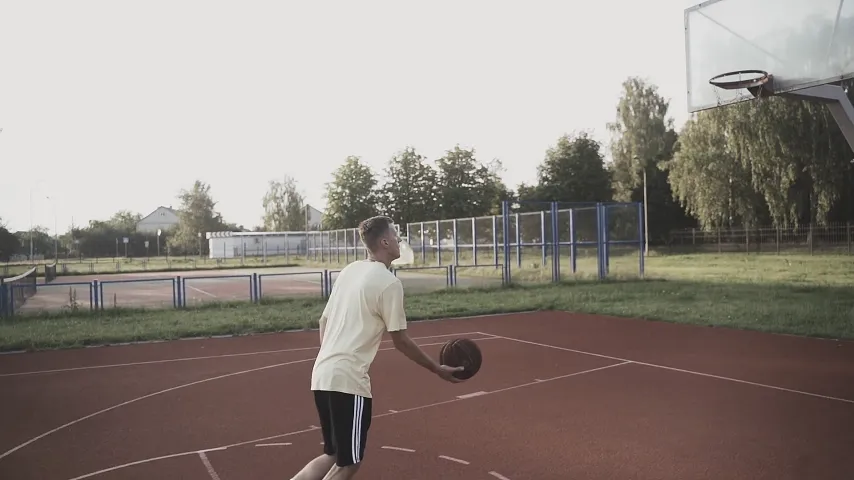
Process 10x Faster with GPU Acceleration
Leverage powerful GPU acceleration to process your content in minutes, not hours. A 5-minute clip can reach 4K in under 10 minutes, making it practical for batch processing and tight deadlines.
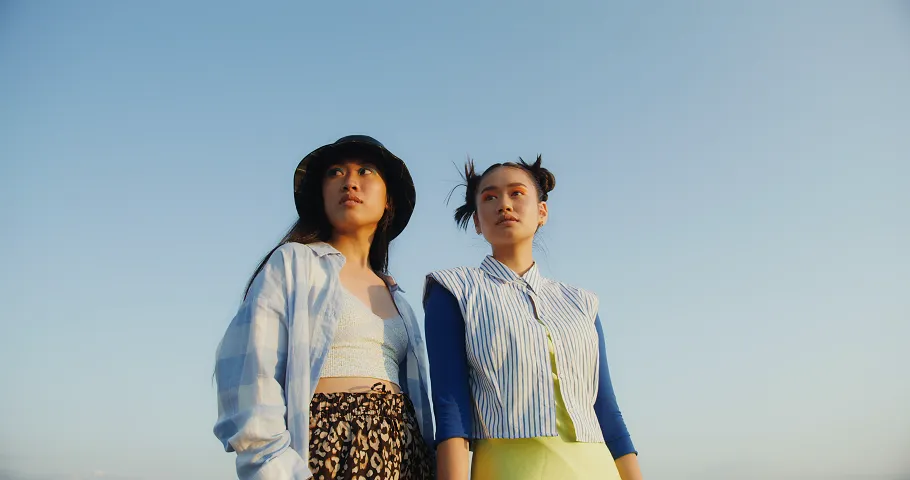
Broadcast-Ready 4K Output Quality
Export in true 4K resolution ready for YouTube, Netflix, or professional broadcast. Our AI preserves colors, reduces banding, and delivers clean results without over-sharpening artifacts.
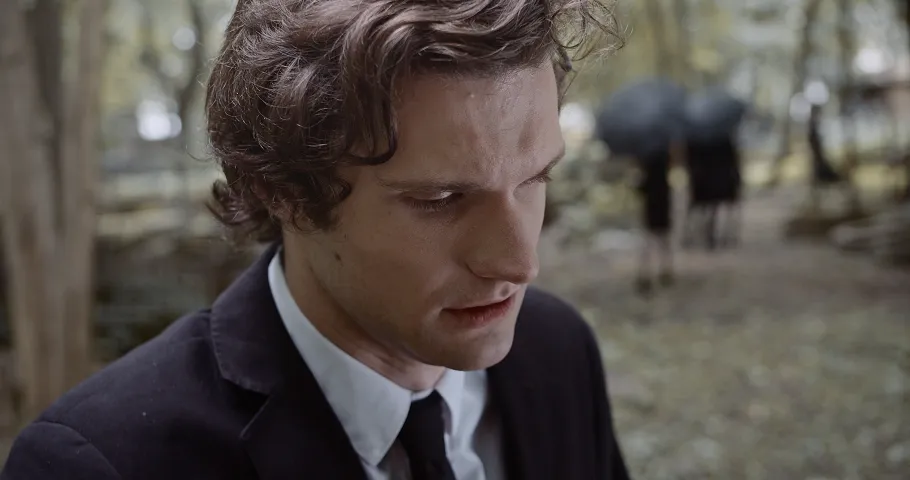
Support All Formats & Resolutions
Accept MP4, MOV, AVI, MKV, WebM and more. Scale from any source resolution to 720p, 1080p, 2K, or 4K. One-click export in H.264 or H.265 codec for maximum compatibility.
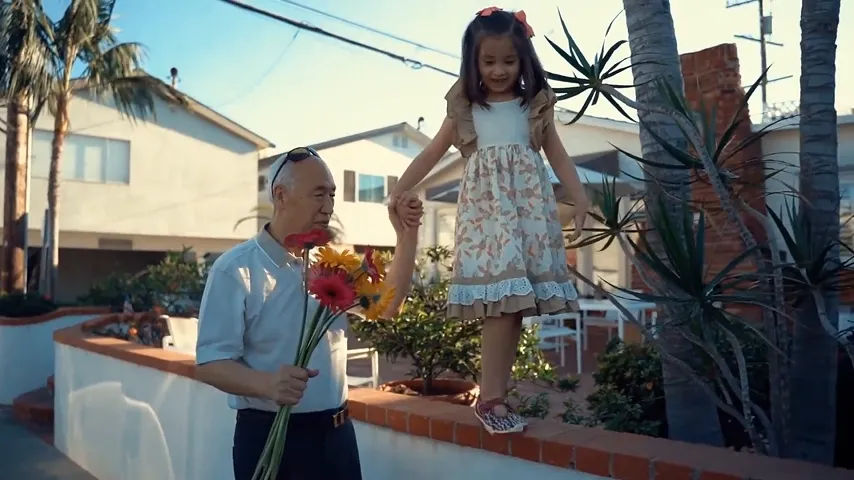
Common Use Cases
AI enhancement helps creators, filmmakers, and businesses improve quality
Restore Old Videos
Bring family videos and vintage footage back to life. Enhance clarity, reduce noise, and transform grainy recordings into watchable HD quality.
YouTube & Social Media
Scale content to 4K for better YouTube rankings. Higher resolution gets more engagement on Instagram and TikTok.
Film & Documentary
Enhance archival footage for documentaries. Restore classic films and scale B-roll to match your A-camera quality seamlessly.
Security & Surveillance
Improve clarity of security camera footage. Enhance details in low-resolution CCTV recordings for better identification.
How to Enhance Videos in 3 Simple Steps
Transform your low-resolution content into crystal-clear HD and 4K quality with AI
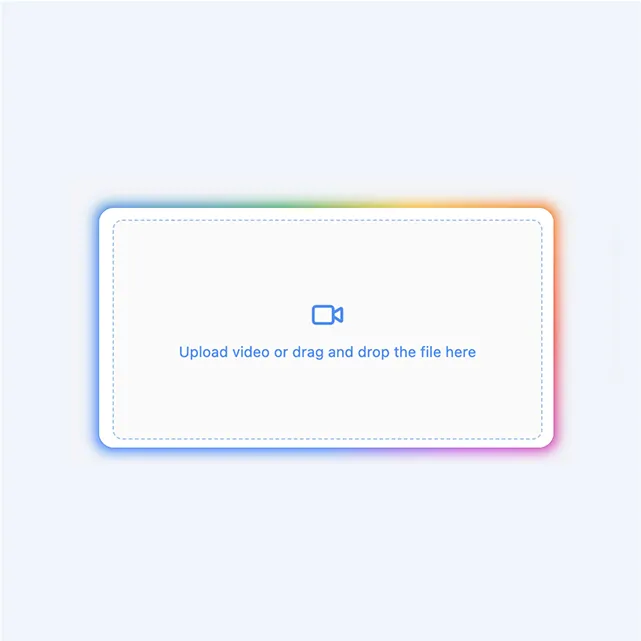
Upload Your Video
Upload your low-resolution content. We support MP4, MOV, AVI, MKV, and WebM formats.
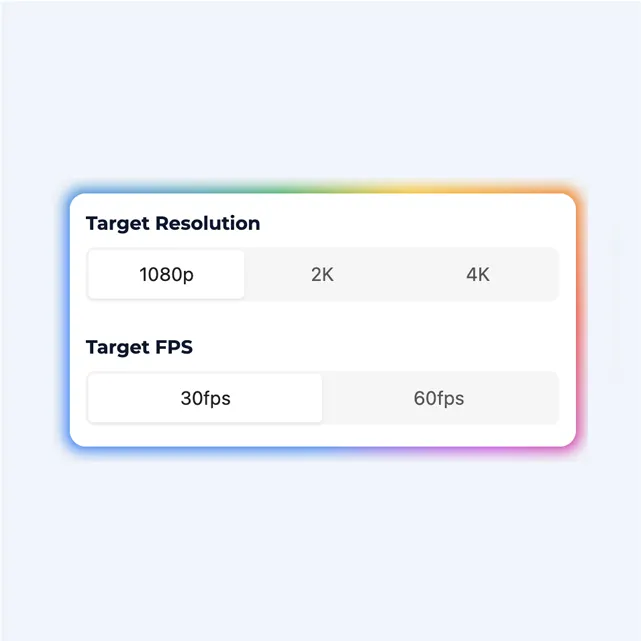
Select Target Resolution
Choose your desired output resolution. Supports 720p, 1080p, 2K, or 4K with optimal enhancement settings.
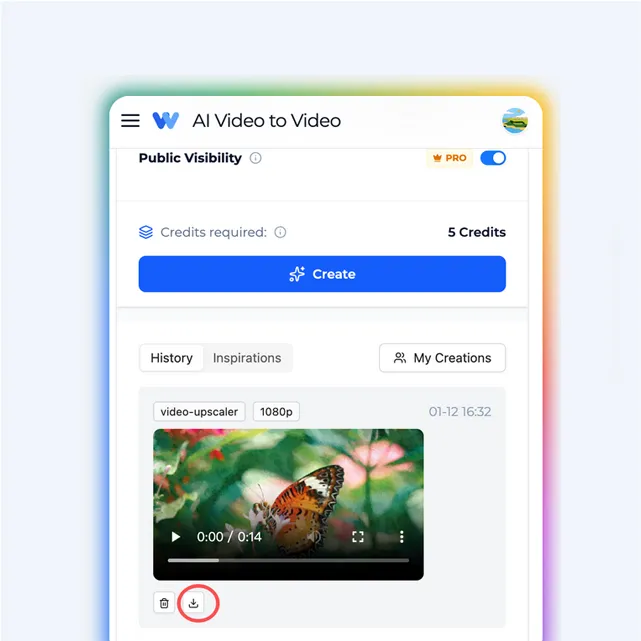
Download Enhanced Video
Preview your result and download in high resolution. Your enhanced output is ready for any platform.
Who Is It For?
Our AI video upscaler is designed for everyone who wants to enhance their video quality
For Content Creators
Upscale old footage, enhance low-quality clips, and deliver stunning 4K videos to your audience. Perfect for YouTube, TikTok, and Instagram creators who want professional-quality content without expensive equipment.
For Filmmakers
Restore vintage films, enhance archival footage, and bring classic movies back to life in crystal-clear resolution. Our AI preserves the original artistic intent while dramatically improving visual quality.
For Businesses
Transform your marketing videos, product demos, and corporate presentations into high-definition masterpieces. Make a lasting impression with broadcast-quality video content that stands out.
For Gamers
Upscale gameplay recordings, enhance streaming quality, and create professional gaming content. Perfect for Let's Plays, tutorials, and highlight reels that deserve to be seen in 4K.
Video Upscaler FAQs
What is AI video upscaler technology?
AI video upscaler uses advanced deep learning algorithms to increase video resolution while enhancing details and sharpness. The AI video upscaler analyzes each frame and intelligently reconstructs details to transform low-resolution videos into HD or 4K.
What resolutions can the AI video upscaler output?
The AI video upscaler can output to various resolutions including 720p (HD), 1080p (Full HD), 1440p (2K), and 2160p (4K). The AI automatically enhances details and sharpness to match your target resolution.
How long does AI video upscaler processing take?
Processing time depends on video length and target resolution. Typically, a 1-minute video takes 2-5 minutes to upscale to 1080p, and 5-10 minutes for 4K. You'll receive a notification when ready.
Can the AI video upscaler restore old videos?
Yes! This AI video upscaler is specifically designed to restore and enhance old videos. It reduces noise, improves clarity, and adds detail to vintage footage while preserving the original character.
What video formats does the upscaler support?
The video upscaler supports all major formats including MP4, MOV, AVI, MKV, and WebM. Your upscaled video will be exported in high-quality MP4 format, compatible with all devices.
Will the video upscaler improve quality?
Yes, the video upscaler significantly improves quality by enhancing details, reducing artifacts, and increasing sharpness. It intelligently reconstructs details for a clearer, more professional look.
Is there a file size limit for video upscaler?
File size limits depend on your plan. Free users can upload videos up to 100MB, Pro users up to 500MB, and Enterprise users up to 2GB.
Can I use video upscaler for commercial projects?
Yes, all videos processed with paid plans come with full commercial rights. You can use upscaled videos for marketing, advertising, YouTube, and any commercial purposes.
Does the video upscaler offer batch processing?
Yes! Pro and Enterprise plans include batch processing, allowing you to upscale multiple videos simultaneously. Great for large projects and content libraries.
Are there watermarks on video upscaler exports?
Free plan exports include a small watermark. Pro and Enterprise plans export videos without any watermarks, giving you clean, professional results.
Ready to Enhance Your Videos?
Transform your low-resolution content into crystal-clear HD and 4K quality with AI. Start for free today.