The All-in-One AI Video Suite. Upscale, Edit, Generate, and Transform. From 4K restoration to viral dance effects, access a growing library of AI tools in your browser. No credit card required.
Remove backgrounds from product videos instantly. Place your products in any scene — studio, lifestyle, or custom backgrounds. Perfect for Amazon, Shopify, and social media ads.
Create stunning videos from text prompts or images. Transform your ideas and photos into dynamic video content instantly. Perfect for social media, marketing, and creative storytelling.
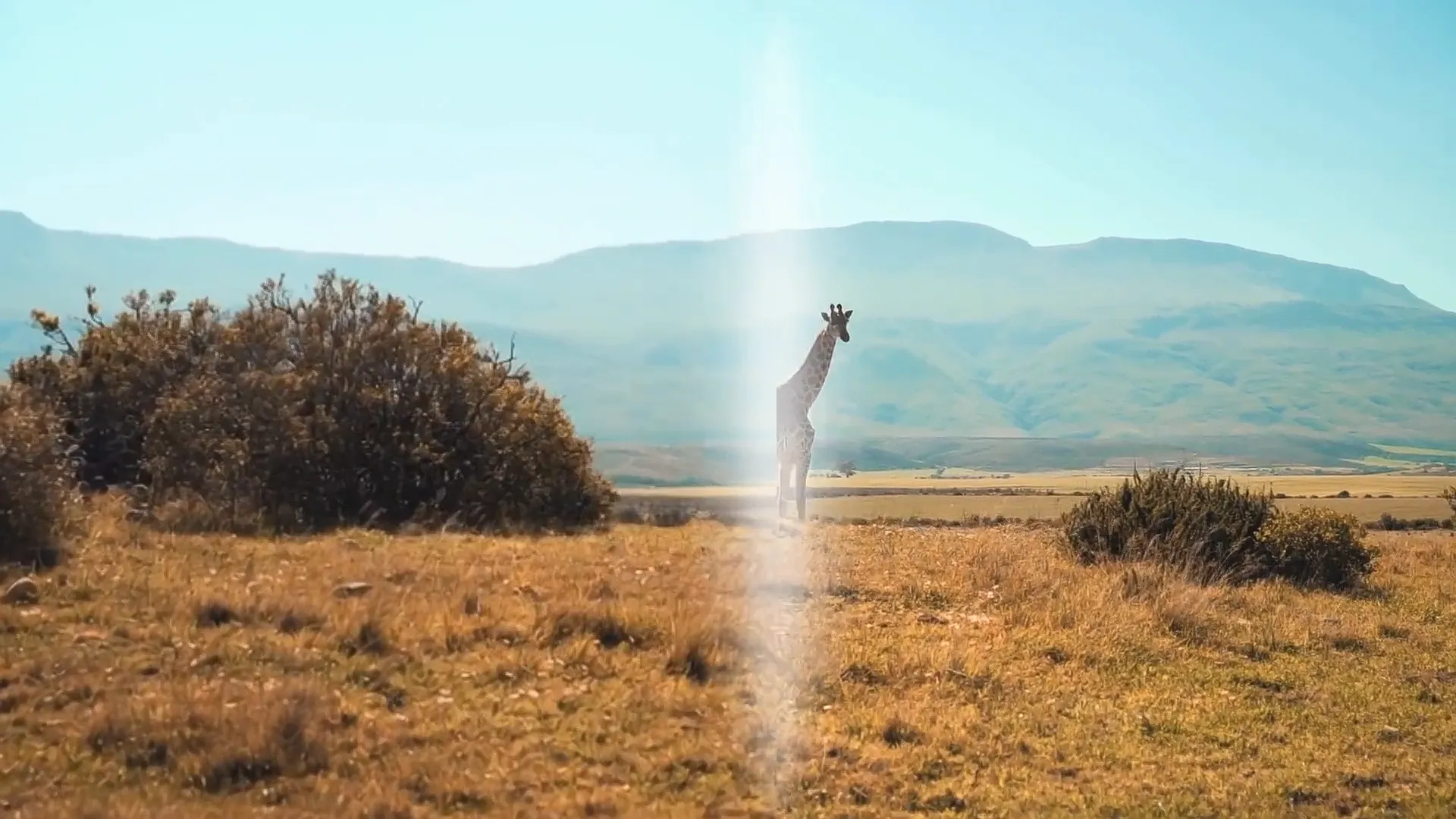
Breathe new life into old footage. AI restores missing details, removes noise, and upscales to crystal-clear 4K. Perfect for family memories and archival content.
Remove distracting watermarks, logos, or objects from your videos. AI fills in seamlessly, leaving no trace. Get clean, professional footage in seconds.
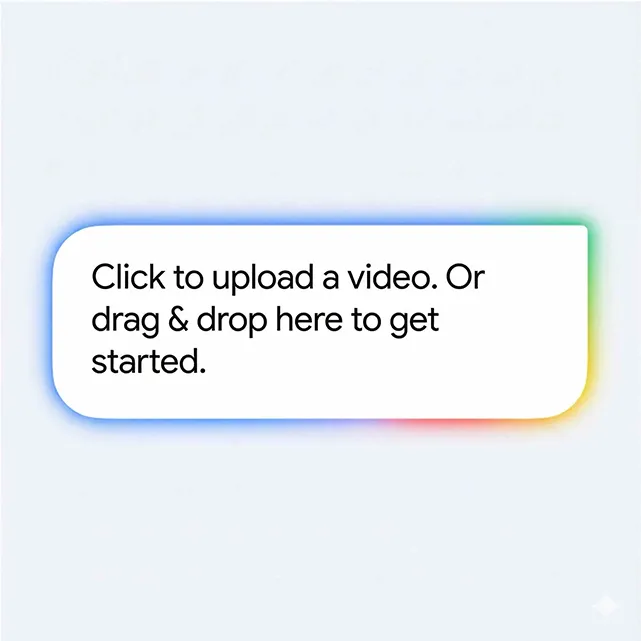
AI video to video is a technology that transforms your existing videos using artificial intelligence. You upload a video, and the AI applies changes like style transformation, background removal, quality enhancement, or object removal — while keeping the original motion intact.
How is this different from text-to-video?
Text-to-video creates videos from scratch based on prompts. Image-to-video animates still images. Video to video starts with your existing footage and transforms it — preserving your original content, timing, and motion while applying AI-powered enhancements.
What can I create with this tool?
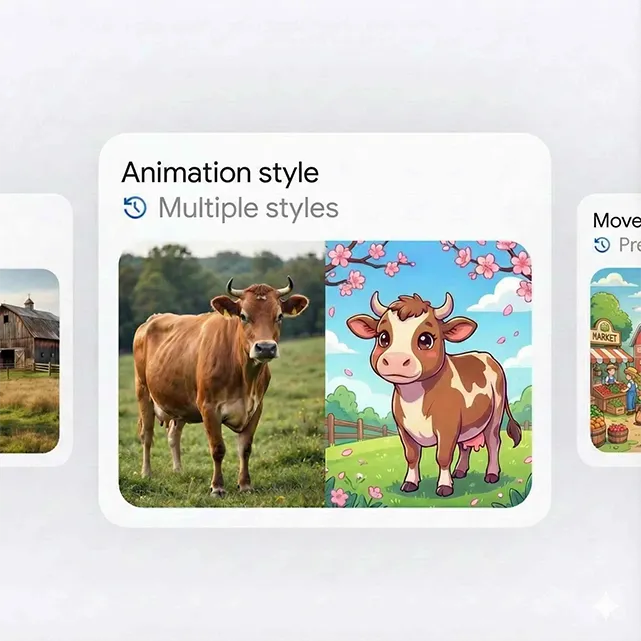
You can remove backgrounds from product videos, transform footage into anime or cinematic styles, upscale old videos to 4K quality, and erase watermarks or unwanted objects. Great for e-commerce, content creation, and restoring old memories.
Which AI models are available?
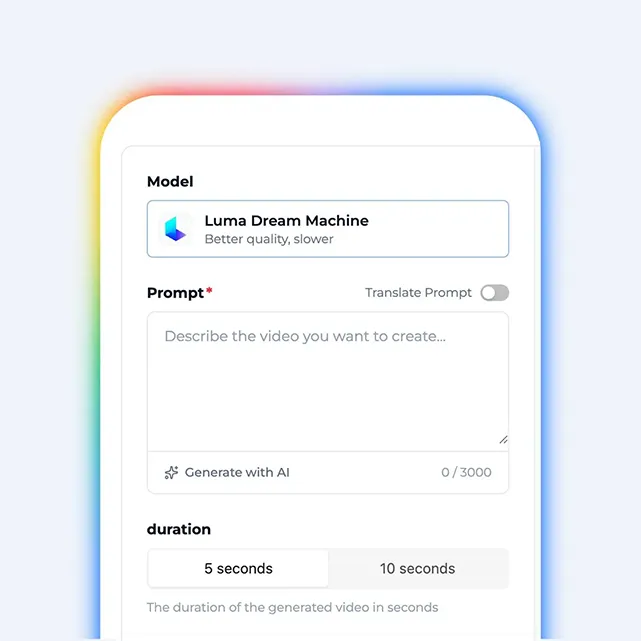
We offer access to multiple leading AI models including Kling, Luma Dream Machine, and Sora. Each model has different strengths — some are faster, others produce higher quality results.
What video formats can I upload?
We support all common formats: MP4, MOV, AVI, MKV, and WebM. For best results, we recommend MP4 with H.264 encoding. Output is available in MP4 or WebM, with resolutions up to 4K.
How long does video to video processing take?
Most transformations complete in 2-5 minutes for short clips. Longer videos or complex tasks like 4K upscaling may take 10-15 minutes. We use GPU-accelerated cloud servers.
Is there a free option?
Yes! Our free tier lets you try the platform with basic features. Free exports include a small watermark. Upgrade to Pro for watermark-free downloads and faster processing.
Can I use the results commercially?
All paid plans include full commercial rights. You can use your outputs for marketing, advertising, e-commerce, YouTube, social media — anywhere you need.
Do I need editing experience?
Not at all. The platform is designed for everyone. Just upload your video, pick what you want to do, and download the result. AI handles the technical work.
What makes your video to video platform different?
We combine multiple AI models in one place, offer 50+ style options, and focus specifically on transforming existing videos. No complex editing software needed.
Get Started Today
Ready to Try AI Video to Video?
Join thousands of creators using AI video to video to enhance, transform, and elevate their video content in minutes.