How to Animate Photos: The Complete Guide to AI Image to Video
Scroll through any social platform today and one thing is obvious: video gets views. Static images? They are skipped in seconds. For brands, creators, and even families preserving memories, that is a big problem.
The good news is that you no longer need complex animation software to fix it. With image to video AI, you can take a single photo and instantly turn it into a moving, eye-catching clip.
Whether you want to animate a photo, turn a product shot into an ad, or bring photos to life from decades ago, AI makes it fast, affordable, and realistic.
How AI Image to Video Works
At the core of image to video AI is something called Motion Prediction.
The AI analyzes your still image and intelligently guesses:
- Depth: It understands foreground vs. background.
- Motion: It predicts where movement naturally happens (like hair blowing or water flowing).
- Camera Movement: It simulates pans, zooms, and tilts.
The result feels like a video shot with a camera—even though it started as a single picture. This is how modern tools animate still images without manual keyframing.
AI Animation vs. Manual Keyframing
Why switch to AI? The efficiency gap is huge.
| Feature | AI Animation | Manual Keyframing (After Effects) |
|---|---|---|
| Speed | One-click generation | Complex timelines |
| Time | Minutes to render | Hours or days |
| Skill | No skills required | Steep learning curve |
| Consistency | Realistic motion | Easy to mess up |
For most creators, picture to video converters powered by AI are simply more practical than traditional workflows.
Step-by-Step: Turn Your Picture into Video
Here is exactly how to turn a photo into a video using our tool.
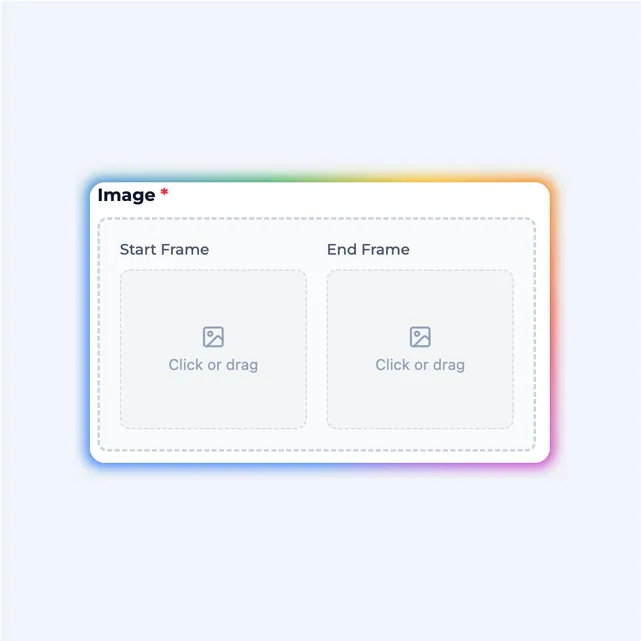
Step 1: Upload Your Image
Go to our image to video tool and upload your photo. This works for product photos, portraits, landscapes, or old family pictures.
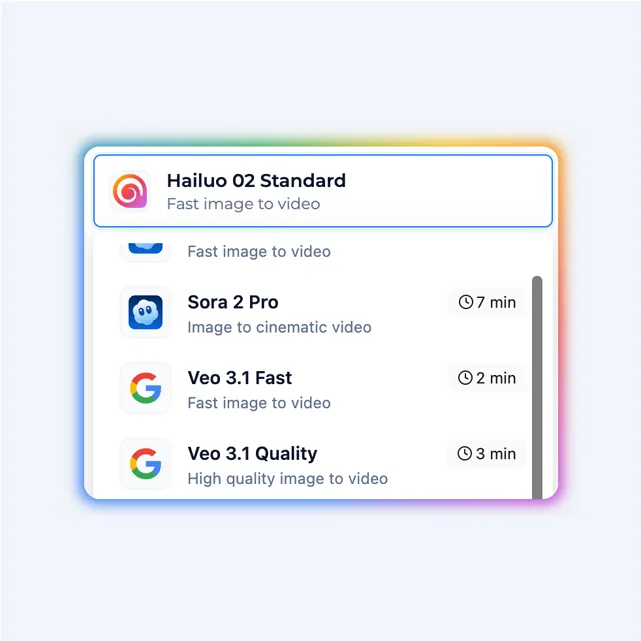
Step 2: Select Motion Settings
Choose how much motion you want. You can control the Motion Strength (Subtle vs. Dramatic) to ensure the AI brings photos to life naturally without distorting the subject.
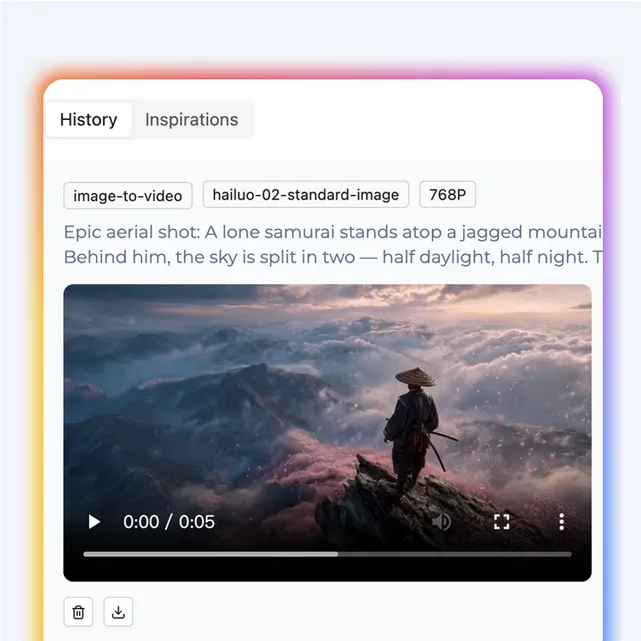
Step 3: Generate & Export
Click generate. Within moments, your static image becomes a short video clip. You can then download it to use in Ads, Reels, or presentations.
3 Killer Use Cases for Image to Video
1. E-commerce: Turn Product Photos into Ads
Static product images don't convert like video. With image to video tools, sellers can add motion to hero images to create scroll-stopping ads and increase time-on-page. A moving product instantly looks more premium.
2. Old Photos: Animate Family Memories
One of the most emotional uses of AI photo animator tools is restoring and animating old pictures. AI can add gentle facial movement or head motion, making historical photos feel alive again.
3. Social Media: Cinematic Travel Clips
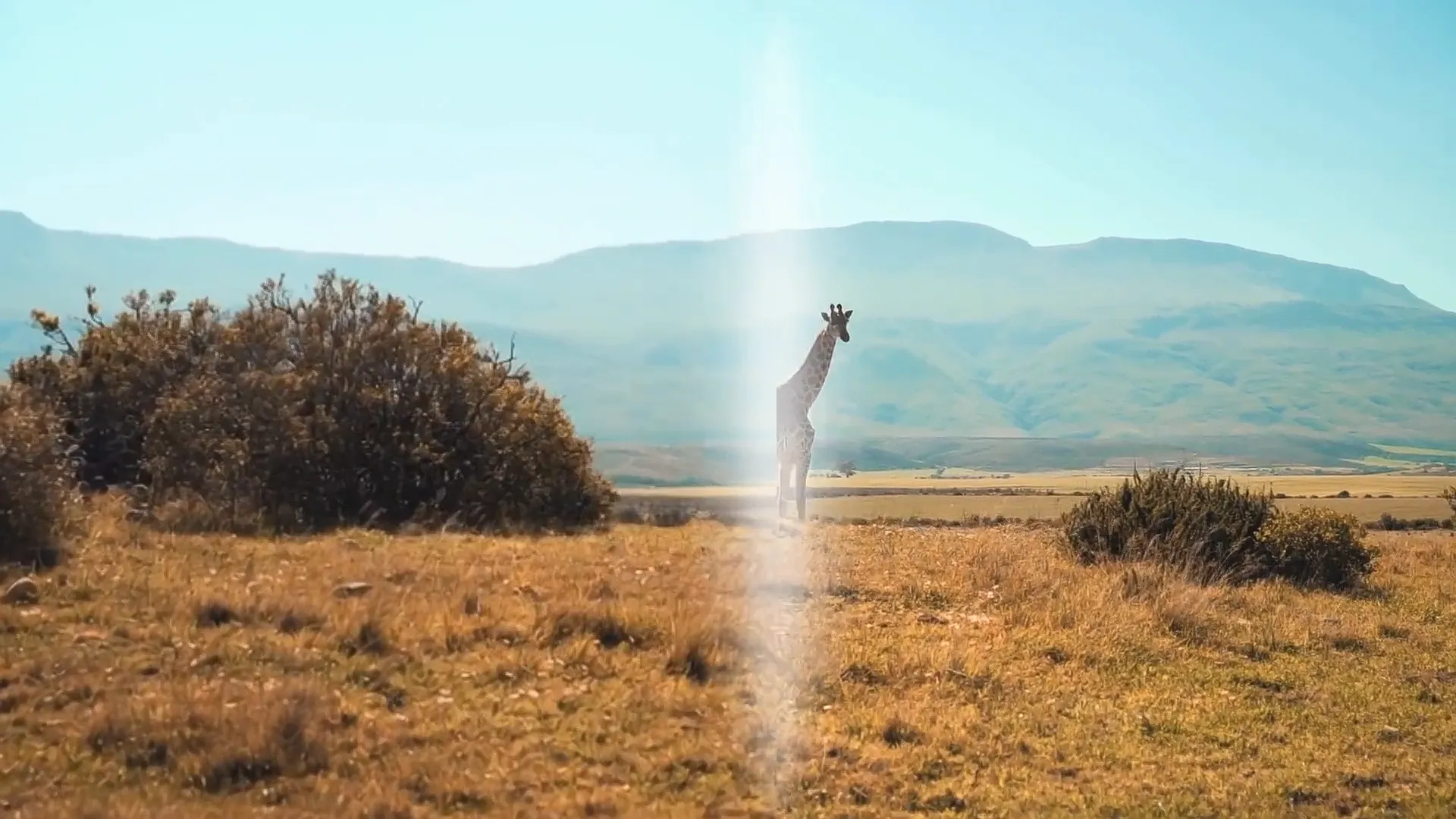
Landscape photos often go unnoticed. Turn them into videos with a slow "drone-like" pan, and suddenly they feel cinematic. Social managers use this to repurpose old content without new shoots.
Frequently Asked Questions
What resolution does image to video support? Most tools support HD output, with some offering higher resolutions depending on the plan.
Does AI image to video work on faces? Yes. Modern AI is especially good at animating faces with subtle, realistic movement (often called "Live Portrait" effects).
Is there a free option? Yes. Many platforms offer free trials or limited free generations so you can animate a photo to test the quality before upgrading.
Final Takeaway: One Image Is All You Need
You don't need video shoots, animation skills, or expensive software anymore. With image to video AI, a single photo can become engaging motion content in minutes.
If you want to turn pictures into videos that actually get attention, now is the time.