How to Remove Video Background Without Green Screen (Free AI Tool)
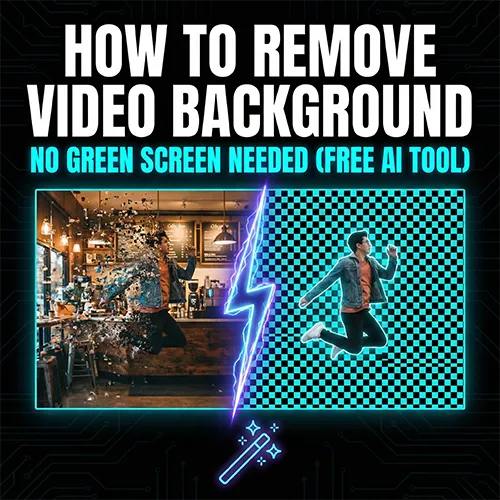
Let's be honest: Green screens are a pain.
They are expensive, annoying to set up, and if the lighting isn't perfect, your video looks terrible. For years, if you wanted to remove video background, you had to turn your room into a studio.
Not anymore.
Here is the game-changer: You don't need a green screen.
With the latest AI technology at AI Video to Video, you can strip away the background from any footage—whether you filmed it in a messy bedroom, a busy coffee shop, or outdoors.
This guide will show you how to make video transparent in seconds, with zero editing skills required.
Why AI is Better Than Green Screen
Traditional Chroma Key (Green Screen) works by removing a specific color. If your lighting is uneven, it fails.
Our AI background remover is smarter. It uses Human Segmentation technology.
- It "Sees" You: The AI understands the difference between a person and the background.
- No Setup: Filmed against a white wall? A bookshelf? A park? It doesn't matter.
- Edge Protection: It keeps your hair and gestures sharp, unlike bad green screen keys.
Step-by-Step: Remove Background Instantly
Stop wasting time masking frame by frame in After Effects. Here is the fast way.
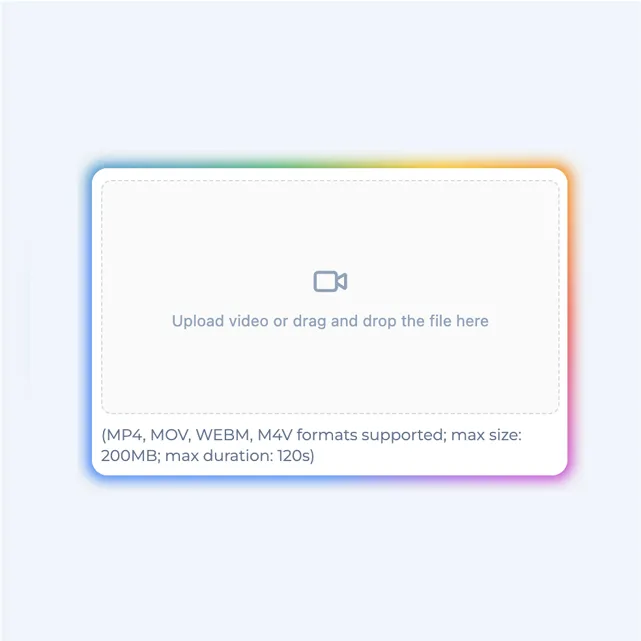
Step 1: Upload Your Clip
Go to video-background-remover. Drag and drop your video.
- Supported: MP4, MOV, WebM.
- Limit: Works great on short clips for TikTok, Reels, or product showcases.
Step 2: Let AI Do the Work
You don't need to select pixels or adjust tolerance. The AI automatically analyzes the scene and isolates the subject.
Pro Tip: This works best on videos where there is a clear subject (person or object) in the foreground.
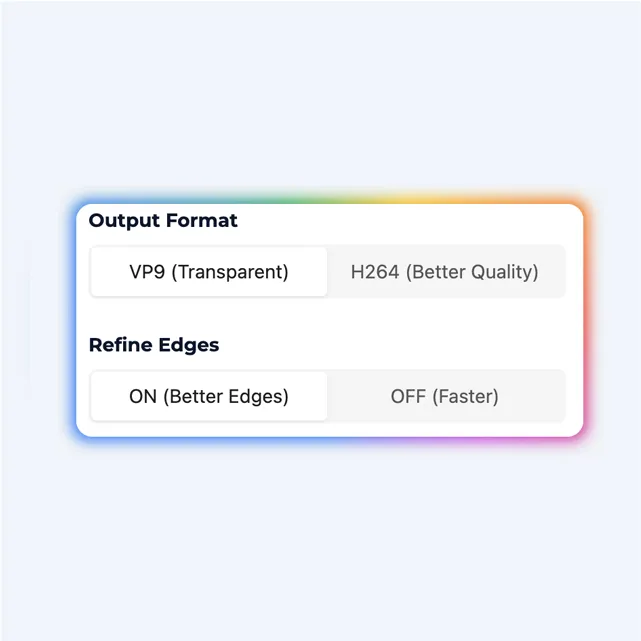
Step 3: Download Transparent Video
Once processed, the background is gone. You get a transparent video that you can overlay on anything.
Use it to:
- Put yourself on top of a gameplay video.
- Place your product in a luxury setting.
- Create cool reaction memes.
Traditional vs. AI Removal: The Truth
| Feature | Green Screen / Rotoscoping | AI Video to Video |
|---|---|---|
| Setup Needed | Lighting + Green Cloth | None (Any Background) |
| Difficulty | Hard (Premiere/AE) | One-Click |
| Cost | Expensive Gear | Free Online |
| Time | Hours | Minutes |
If you want to change video background online quickly, AI wins every time.
Creative Ideas for Transparent Videos
Now that you've removed the clutter, what can you make?
- E-commerce: Take a product shot on your desk, remove the background, and put it on a pure white or branded background.
- TikTok Duets: Overlay your reaction video cleanly without the boxy border.
- Virtual Sets: Present your news or tutorial from a "studio" (that's actually just a digital image).
Frequently Asked Questions (FAQ)
Does it really work without a green screen?
Yes! 100%. Our AI is trained to recognize people and objects in complex environments. You can film anywhere.
Is it free?
Yes, you can try the AI background remover for free directly in your browser.
Can I save it as a transparent file?
Yes, we support exporting formats that preserve transparency (alpha channel), so you can use the clip in other editors.
Start Creating Cleaner Videos
Don't let a bad background ruin a great video. You don't need expensive gear to look professional.