How to Animate Photos: The Complete Guide to AI Image to Video
Learn how to animate photos using AI image to video tools. Turn pictures into videos for e-commerce, social media, and family memories with fast, one-click AI animation.
Learn more
AI-POWERED VIDEO TRANSFORMATION
The All-in-One AI Video Suite. Upscale, Edit, Generate, and Transform. From 4K restoration to viral dance effects, access a growing library of AI tools in your browser. No credit card required.
Powerful AI video to video processing that makes transformation simple and fast

Access Kling, Luma Dream Machine, Sora, and more — all in one platform. Choose the model that best fits your project needs.

Explore a rich library of styles — anime, cinematic, vintage film, 3D animation, sketch art, and more. One click to transform your entire video.

Simply upload your video and let AI handle the rest. No technical skills required. The intelligent system automatically optimizes every frame.

Powered by GPU-accelerated cloud infrastructure. Process video to video transformations in minutes, not hours. Download and share instantly.
Transform your videos in 3 simple steps. No editing skills required.
Drag and drop your video file or click to browse. We support all major formats including MP4, MOV, AVI, MKV, and WebM.

Select from 6+ AI models including Kling, Luma, and Sora. Choose your preferred style — anime, cinematic, vintage, or realistic.
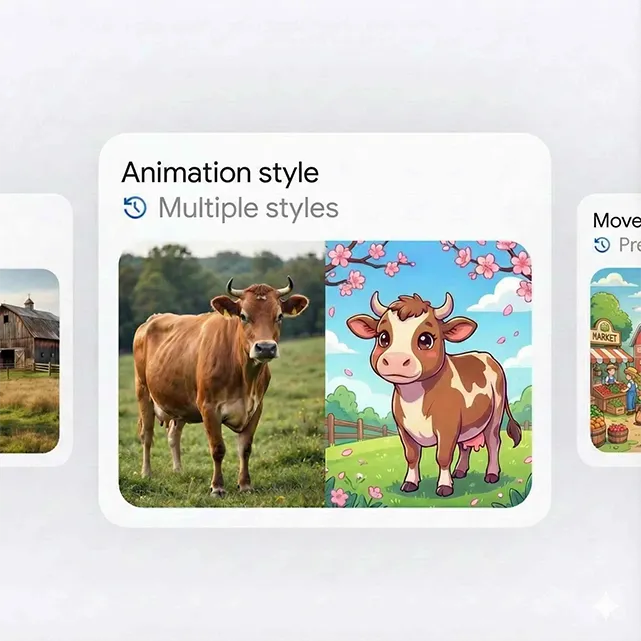
Preview your transformed video and download in seconds. Export in up to 4K quality with no watermarks.
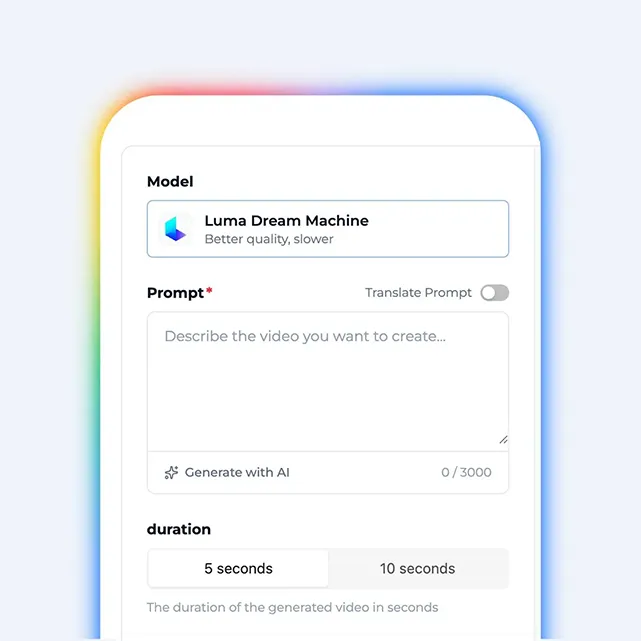
The most powerful and easy-to-use AI video to video transformation platform.
Access leading AI video models like Kling, Luma, and Sora in one platform. No need to switch between tools.
Generate ultra-high quality videos up to 4K resolution. Perfect for professional use.
Transform videos in minutes, not hours. GPU-accelerated cloud processing for quick results.
No editing skills required. Transform videos in 3 simple steps with our intuitive interface.
Export clean, professional videos without watermarks. Full ownership of your content.
Support all major video formats. MP4, MOV, AVI, and more. Import and export with ease.
Experience the power of AI video transformation with real examples from our users.
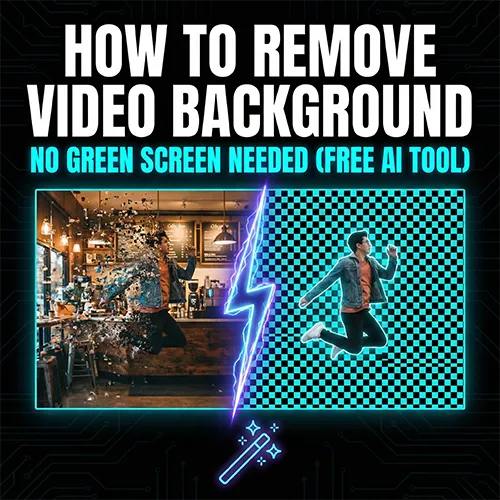
Remove backgrounds from product videos instantly. Place your products in any scene — studio, lifestyle, or custom backgrounds. Perfect for Amazon, Shopify, and social media ads.
Create stunning videos from text prompts or images. Transform your ideas and photos into dynamic video content instantly. Perfect for social media, marketing, and creative storytelling.
Breathe new life into old footage. AI restores missing details, removes noise, and upscales to crystal-clear 4K. Perfect for family memories and archival content.
Remove distracting watermarks, logos, or objects from your videos. AI fills in seamlessly, leaving no trace. Get clean, professional footage in seconds.
Select the perfect plan for your needs. Save 20% with yearly billing.
Perfect for trying out
Forever free
Best for professionals
Billed $335.88 yearly
Best for creators
Billed $143.88 yearly
AI video to video is a technology that transforms your existing videos using artificial intelligence. You upload a video, and the AI applies changes like style transformation, background removal, quality enhancement, or object removal — while keeping the original motion intact.
Text-to-video creates videos from scratch based on prompts. Image-to-video animates still images. Video to video starts with your existing footage and transforms it — preserving your original content, timing, and motion while applying AI-powered enhancements.
You can remove backgrounds from product videos, transform footage into anime or cinematic styles, upscale old videos to 4K quality, and erase watermarks or unwanted objects. Great for e-commerce, content creation, and restoring old memories.
We offer access to multiple leading AI models including Kling, Luma Dream Machine, and Sora. Each model has different strengths — some are faster, others produce higher quality results.
We support all common formats: MP4, MOV, AVI, MKV, and WebM. For best results, we recommend MP4 with H.264 encoding. Output is available in MP4 or WebM, with resolutions up to 4K.
Most transformations complete in 2-5 minutes for short clips. Longer videos or complex tasks like 4K upscaling may take 10-15 minutes. We use GPU-accelerated cloud servers.
Yes! Our free tier lets you try the platform with basic features. Free exports include a small watermark. Upgrade to Pro for watermark-free downloads and faster processing.
All paid plans include full commercial rights. You can use your outputs for marketing, advertising, e-commerce, YouTube, social media — anywhere you need.
Not at all. The platform is designed for everyone. Just upload your video, pick what you want to do, and download the result. AI handles the technical work.
We combine multiple AI models in one place, offer 50+ style options, and focus specifically on transforming existing videos. No complex editing software needed.
Join thousands of creators using AI video to video to enhance, transform, and elevate their video content in minutes.